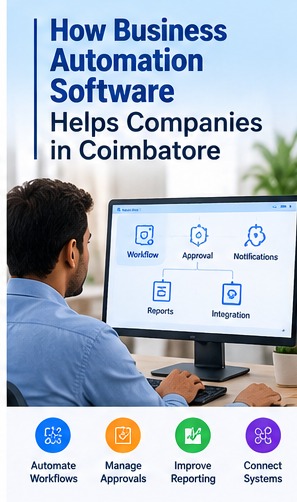
Many businesses rely on repeated data entry, manual approvals and disconnected spreadsheets. Business automation software can standardise selected workflows, reduce repetitive tasks and make work status easier to track when processes are clearly defined.
Identify Processes Suitable for Automation
Start with tasks that are repeated often, follow clear rules and consume noticeable staff time. Document the current steps, exceptions, responsible roles and the result the process should produce.
Automate Approvals and Notifications
Workflow rules can route requests to approvers, record decisions and notify the next person. Define escalation rules and what should happen when information is missing or an approval is rejected.
- Document the current process and key users.
- Identify required reports and integrations.
- Confirm permissions, backups and support arrangements.
Connect Business Systems
Integrations may transfer information between forms, CRM, inventory, billing or reporting tools. Check data ownership, error handling, permissions and reconciliation so failures do not silently create inconsistent records.
Improve Reporting and Visibility
Dashboards can show pending tasks, processing times, exceptions and workload. Use clear metric definitions and compare results with a baseline before claiming that automation improved performance.
Security and Human Oversight
Limit workflow permissions, record important actions and provide a manual review path for sensitive decisions. Automation should not remove necessary professional judgement or approval controls.
Plan a Practical Rollout
Choose one measurable workflow, test it with users, document exceptions and monitor errors after launch. Expand to other processes only after the first workflow is stable.
Conclusion
Business automation is most effective when it improves a well-understood process. Set a clear goal, involve the people doing the work and review the outcome before expanding the solution.
Related Software Services
Error Tech Solutions works with businesses on website development, custom software, ERP, CRM, eCommerce and business automation requirements. Explore our software development services, portfolio or contact our team to discuss your project requirements.
Discuss Your Business Software Requirements
Share your workflow, the features you need and your goals. Our team can discuss possible approaches for your business.
Contact Error Tech Solutions