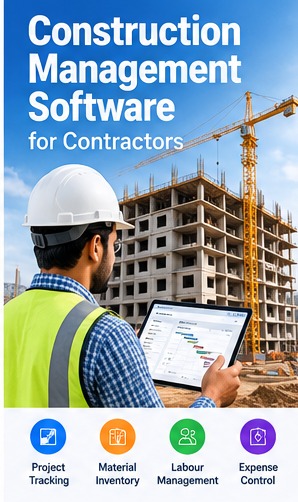
Construction projects involve schedules, materials, labour, contractors, expenses and site updates. Construction management software can give teams a shared view of these activities, provided the system matches the company's project controls and reporting needs.
Centralise Project Information
Keep project details, site contacts, planned dates, documents, budgets and responsibilities organised. Clear project records help office staff and site teams work from consistent information.
Material and Inventory Management
Record material requests, purchase orders, receipts, transfers to sites, consumption and returns. Define units of measurement and approval responsibilities so stock reports can be reconciled with physical quantities.
- Document the current process and key users.
- Identify required reports and integrations.
- Confirm permissions, backups and support arrangements.
Labour, Subcontractors and Work Progress
Track work packages, assigned teams, attendance or labour costs where required, subcontractor commitments and progress updates. Agree on how progress is measured so reports are comparable across sites.
Budgeting, Purchases and Expenses
Connect purchase records and site expenses to projects or cost codes. Approval workflows and budget-versus-actual reports can help managers investigate variations early; software does not replace professional cost control.
Documents, Approvals and Communication
A system may keep drawings, revisions, site instructions, inspection records and approvals linked to the relevant project. Establish document ownership and version control to avoid teams using outdated information.
Dashboards and Reports
Useful reports include project progress, pending material requests, purchase status, outstanding approvals, stock at each site and budget variations. Confirm that each metric has a clear definition and accountable owner.
Conclusion
Before choosing software, document your project stages and reporting requirements. Pilot it on one project, validate data with site users and expand only after the workflow is working reliably.
Related Software Services
Error Tech Solutions works with businesses on website development, custom software, ERP, CRM, eCommerce and business automation requirements. Explore our software development services, portfolio or contact our team to discuss your project requirements.
Discuss Your Business Software Requirements
Share your workflow, the features you need and your goals. Our team can discuss possible approaches for your business.
Contact Error Tech Solutions