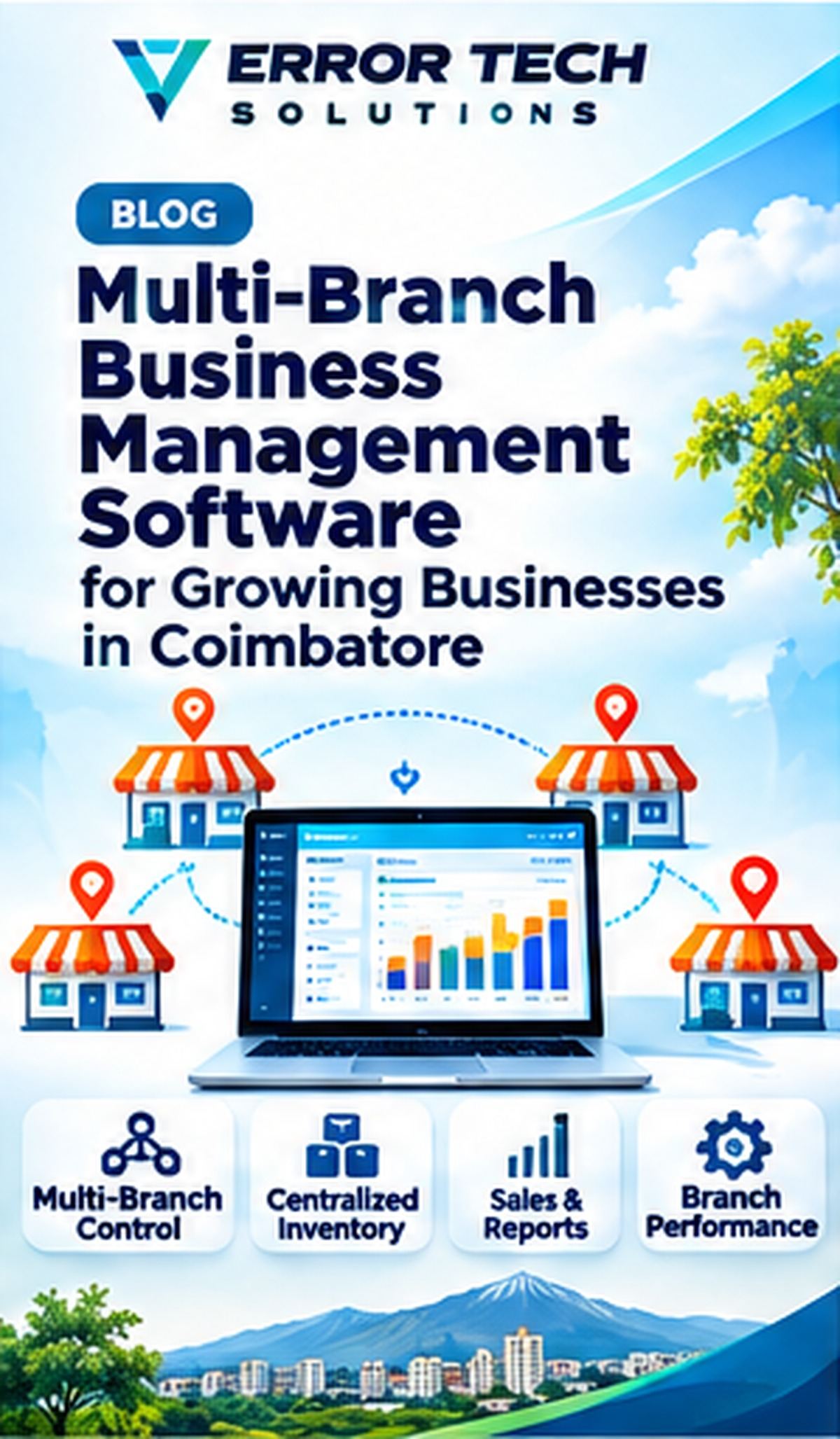
Businesses operating from multiple shops, offices or warehouses need consistent information across locations. Multi-branch software can centralize key records while allowing each branch to manage its own daily transactions and responsibilities. This guide explains the main workflows, selection criteria and implementation considerations for businesses evaluating this type of solution.
Why multiple locations need shared systems
Separate branch spreadsheets can create inconsistent product codes, pricing, customer records and reporting. A shared system can give management a consolidated view while preserving branch-level accountability.
Branch setup, users and permissions
Define each branch, warehouse, cost centre and responsible manager. Assign users only the access needed for their role. Sensitive actions such as price overrides, refunds and stock adjustments may require additional approval.
Central product and pricing controls
Maintain shared product masters and define whether prices, taxes, discounts and promotions are common or branch-specific. Keep a controlled process for introducing new products and changing master data.
Stock transfers and replenishment
Record stock requests, transfer dispatch and receiving confirmation between locations. A transfer should reduce the source location and increase the destination only at the correct workflow stages. Track in-transit quantities where relevant.
Consolidated reports and accountability
Compare sales, stock, purchases, expenses and returns by branch and across the business. Use consistent date ranges, units and metric definitions. Audit logs help explain who changed a transaction and why.
Planning a multi-branch rollout
Start with common masters, branch roles, opening balances and transfer rules. Pilot two locations with real transactions, test network interruptions and reconcile consolidated totals before expanding.
How Error Tech Solutions Can Help
Error Tech Solutions develops business websites, custom software, ERP, CRM, billing and workflow automation solutions. The right implementation depends on your actual process, team and integration requirements.
Explore our software development services, view our project portfolio, or contact our team to discuss your requirement.
Related Services and Projects
Planning a New Business System?
Tell us about your workflow and the problem you want to solve. We can discuss a practical technology approach for your business.
Contact Error Tech Solutions