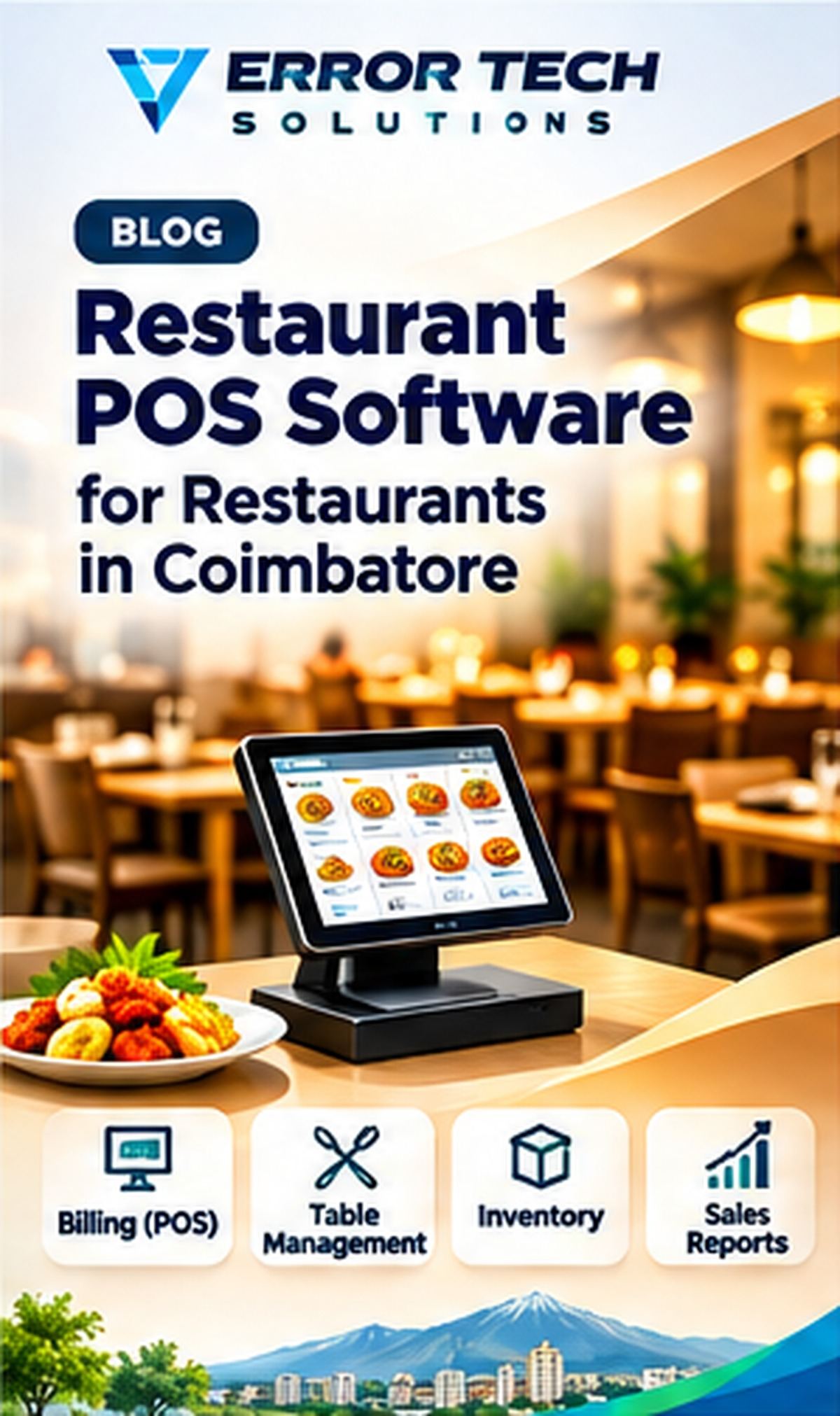
Restaurants and cafés manage dine-in orders, takeaway, delivery, kitchen preparation, billing and ingredient usage. A restaurant POS system can connect front-of-house and kitchen activity while giving owners a clearer view of sales and stock. This guide explains the main workflows, selection criteria and implementation considerations for businesses evaluating this type of solution.
What a restaurant POS system does
A POS system records orders and payments, but a useful restaurant workflow also handles tables, order modifications, kitchen tickets, discounts, cancellations and shift closing. Select a system based on the service model: quick service, café, casual dining or multi-outlet operations.
Menu, modifiers and pricing
Maintain menu categories, item names, prices, tax configuration and availability. Modifiers such as size, add-ons or preparation choices should be clear to staff and appear correctly on kitchen tickets and customer bills.
Table management and kitchen order tickets
For dine-in service, table status and order transfer should be easy to use. Kitchen Order Tickets (KOTs) should route items to the correct preparation station and show changes or cancellations clearly. Test split orders and merged bills.
Billing, payments and tax configuration
Support the payment methods the restaurant actually accepts and make refunds, voids and discounts permission-controlled. Tax configuration should be reviewed with the restaurant's accountant. Test bill reprints, partial payments and end-of-day reconciliation.
Ingredient inventory and purchase control
Where recipe-level stock is required, connect menu items to ingredient quantities using verified recipes. Record goods receipts, wastage, transfers and stock counts. Ingredient consumption estimates should be reviewed because actual yield can vary.
Reports and POS selection
Useful reports include item sales, category sales, hourly demand, discounts, voids, payment modes and stock movement. Confirm offline behaviour, printer compatibility, backups, data export, support and multi-branch capability before selecting a POS.
How Error Tech Solutions Can Help
Error Tech Solutions develops business websites, custom software, ERP, CRM, billing and workflow automation solutions. The right implementation depends on your actual process, team and integration requirements.
Explore our software development services, view our project portfolio, or contact our team to discuss your requirement.
Related Services and Projects
Planning a New Business System?
Tell us about your workflow and the problem you want to solve. We can discuss a practical technology approach for your business.
Contact Error Tech Solutions