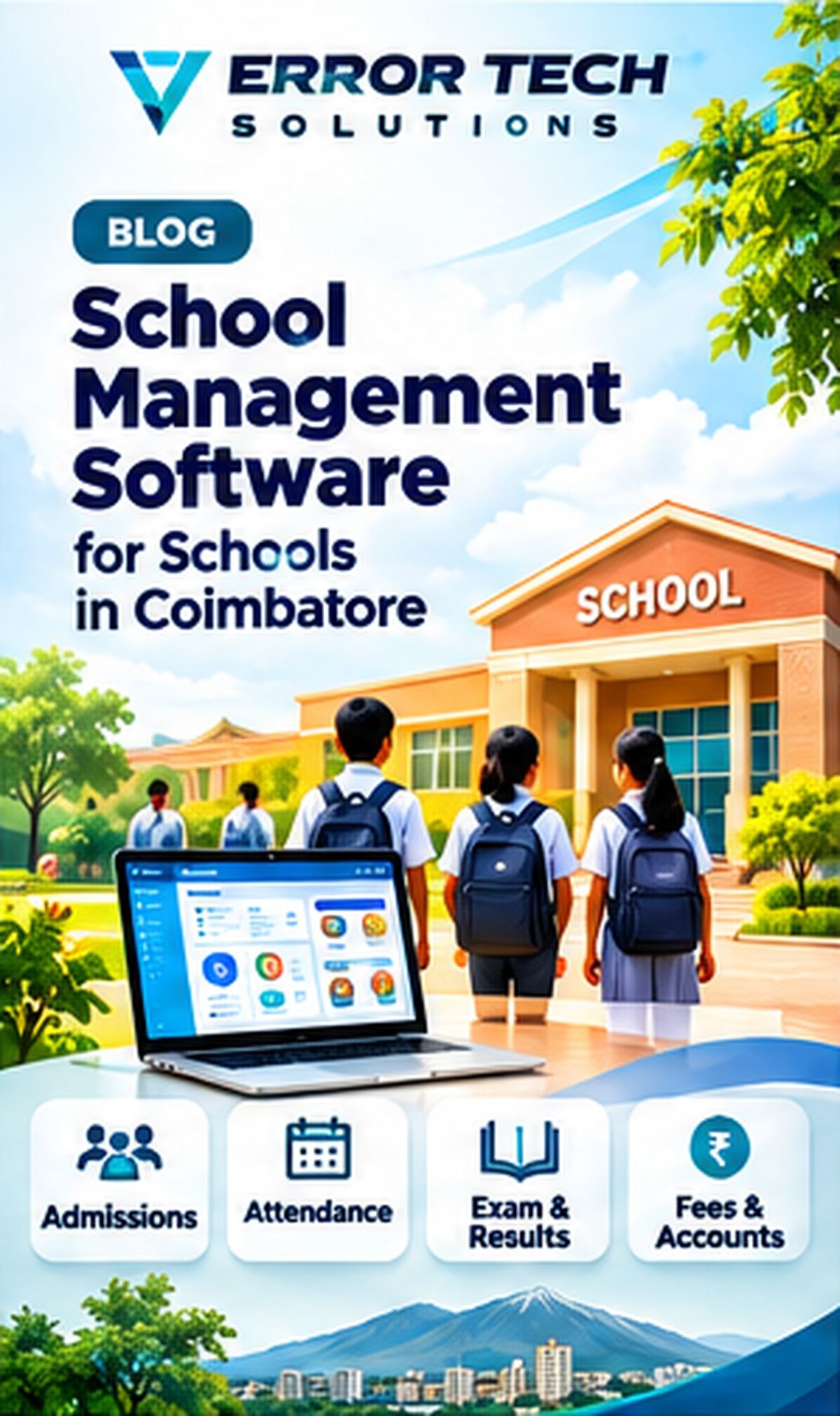
Schools handle admissions, student records, attendance, fees, examinations, communication and daily administration. School management software can bring these activities into one system and give staff and parents access to the information relevant to them. This guide explains the main workflows, selection criteria and implementation considerations for businesses evaluating this type of solution.
Why schools use management software
When student details and fee records are maintained in different files, staff may repeat data entry and spend time reconciling information. A connected system can create a consistent student record and simplify routine administration.
Admissions and student information
An admissions module can track enquiries, applications, document status and admission decisions. Once admitted, student records may include class, section, guardian contacts, academic history and authorized documents. Define who can view or edit each field.
Attendance, timetable and examinations
Attendance should be recorded by class or period according to the school's process, with correction history and appropriate approvals. Timetable and examination modules can manage schedules, marks, grading rules and report cards after the school confirms its academic policies.
Fees, receipts and accounts workflow
Fee configuration may include terms, instalments, concessions, late fees and payment modes. Receipts and outstanding reports should reconcile with the institution's accounting process. Keep refunds and adjustments controlled and traceable.
Parent communication and transport
A parent portal or notification workflow can share attendance, circulars, timetable changes and fee reminders. Transport modules may maintain routes, stops and assigned vehicles where needed. Communication preferences and consent should be respected.
Choosing and implementing school ERP
Check usability for office staff, teachers, parents and administrators. Ask for a demonstration using one student from admission through attendance, fees and examination reporting. Plan data migration, training, access roles, backups and support.
How Error Tech Solutions Can Help
Error Tech Solutions develops business websites, custom software, ERP, CRM, billing and workflow automation solutions. The right implementation depends on your actual process, team and integration requirements.
Explore our software development services, view our project portfolio, or contact our team to discuss your requirement.
Related Services and Projects
Planning a New Business System?
Tell us about your workflow and the problem you want to solve. We can discuss a practical technology approach for your business.
Contact Error Tech Solutions